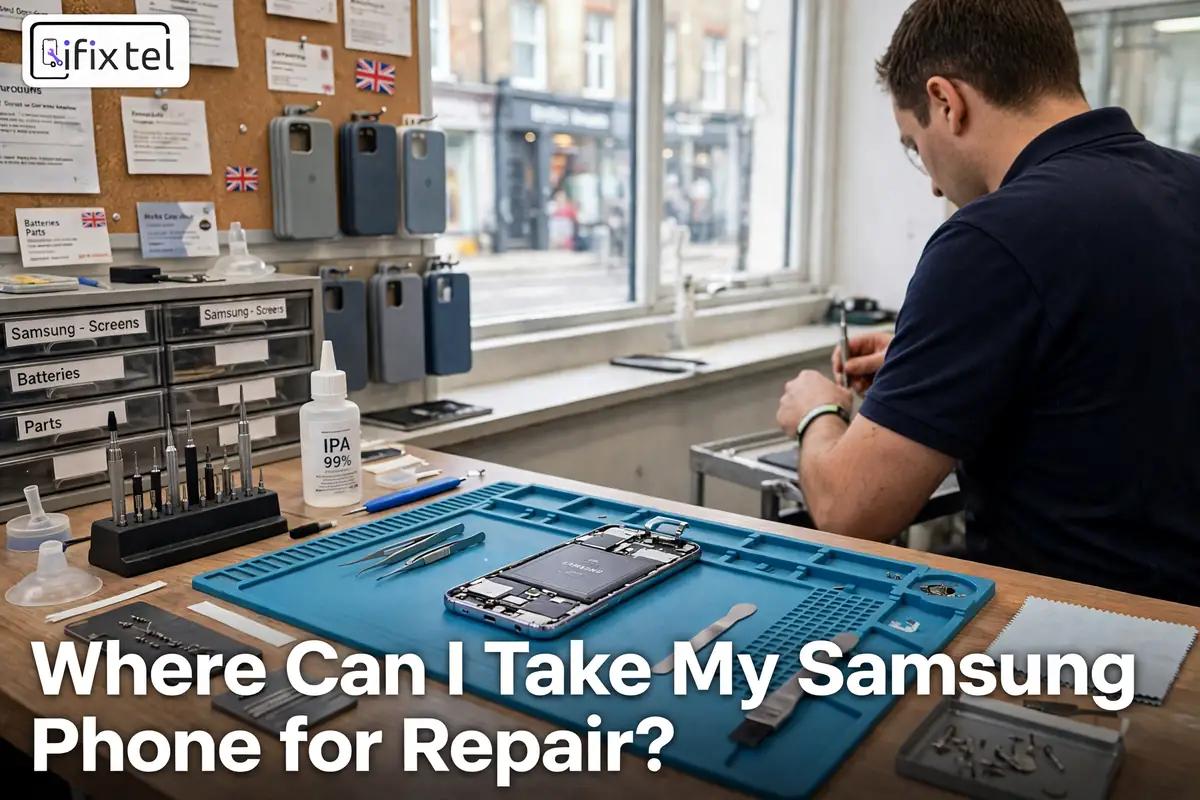
Where Can I Take My Samsung Phone for Repair? Every UK Option Compared
Your Galaxy won't charge. Or maybe it slipped off the arm of the sofa and now has a broken screen. Either way, you need it fixed and fast. The tricky part is knowing where to go.
iFixTel Team 2026-11-26 4 min read
So, where can you take your Samsung phone for repair? In the UK, you have about seven real options. Samsung's own service, authorised partners, network stores, high-street chains, independent shops, postal services and DIY all work. The right one depends on your warranty, your budget and how long you can live without your phone.
This guide walks through each way to repair a Samsung phone, what it costs and when it makes sense. By the end, you'll know exactly where to take yours.
Check This First: Is Your Samsung Still Covered?
Before you book anything, spend two minutes checking your cover. It can change the answer completely.
Samsung's standard warranty covers faults that come from the phone itself. A battery that fails early or a screen that flickers for no reason may be covered. Drops, cracks, and water damage are not.
Samsung Care+ is Samsung's paid protection plan. If you have it, accidental damage like a cracked screen is covered for a set fee. That's often the cheapest way to fix a newer Galaxy.
Network or bank insurance is easy to forget. Some phone contracts, bank accounts and home insurance policies include gadget cover. Check your policy for the excess before you claim.
If none of these apply, your phone is out of warranty for that fault. That's when you have the widest choice and when the options below really matter.
Your Options to Repair a Samsung Mobile Phone in the UK
1. Samsung's Own Repair Service
Samsung runs its official repairs through a network of trusted service partners. You book online, then choose how you want the repair handled:
Need a repair?
Get a clear price before you book.
Choose your exact device and repair. We’ll show the service price and turnaround before checkout.
In-store: drop the phone at a Samsung store or service centre.
Pick-up: a courier collects the phone and brings it back once it's fixed.
Doorstep: a repair van comes to your home or workplace and fixes it on the spot.
You get genuine Samsung parts and trained technicians. On the downside, prices are higher, and pick-up repairs can leave you without a phone for days. Doorstep repair adds an extra convenience charge. If you only want the phone checked, Samsung lists a £30 inspection fee for out-of-warranty devices.
Many people search for a Samsung store near me, expecting a shop on every high street. In reality, Samsung has only a handful of its own stores in the UK. For most people, one of the options below is closer.
2. Samsung Authorised Repair Partners
Samsung approves some independent companies to carry out repairs using genuine parts. They follow Samsung's standards, and many have walk-in shops.
The catch is that authorised partners don't always repair every model. Some won't touch the Galaxy Z Fold or Z Flip. Prices also tend to sit close to Samsung's own.
3. Mobile Network Stores
Some network stores offer repairs at selected branches. This can be handy if you're already paying a contract with them. Not every store does repairs, though, so check before you visit. Many repairs get sent away rather than fixed on the day.
4. High-Street Repair Chains
You'll find repair counters in shopping centres and supermarkets across the UK. They're easy to reach and often open late.
Simple jobs may be done on the spot. Trickier repairs are often posted to a central workshop, which can add days. Ask where the work happens before you hand the phone over.
5. Independent Samsung Phone Repair Shops
A good independent shop is often the quickest and cheapest way to repair a Samsung phone. Most common jobs, like screens, batteries, and charging ports, are done the same day. Many are done while you wait.
The quality varies from shop to shop, so choose carefully. Look for a free diagnostic, a written quote, a clear choice of part grade, and a written warranty. At iFixTel, for example, every phone repair for Samsung models comes with a 24-month warranty, which is far longer than most.
6. Postal Repair Services
If you live far from a good shop, you can post your phone. You book online, send it by tracked delivery and get it back once it's fixed.
Expect to be without your phone for two to five days. Always use a tracked, insured post, and back up your phone before it goes in the box.
7. Fixing It Yourself
Samsung runs a self-repair programme in the UK for some Galaxy models. It sells genuine parts and guides for jobs like screens, back glass, and charging ports.
It sounds simple, but modern Galaxy phones are glued shut and packed tight. One slip can crack a new screen or tear a cable. Unless you've done this before, a professional repair usually works out cheaper in the end.
Which Option Should You Choose?
Option
Cost
Time without your phone
Parts
Best for
Samsung's own service
High
Same day to over a week
Genuine
Phones under warranty or Samsung Care+
Authorised partner
High
Same day or a few days
Genuine
Newer phones, if your model is covered
Network store
Medium to high
Often a few days
Varies
Contract customers near a branch
High-street chain
Medium
Same day to a week
Varies
Quick drop-off when nothing else is near
Independent shop
Low to medium
Often under an hour
Your choice of grade
Out-of-warranty phones you need back fast
Postal repair
Low to medium
2 to 5 days
Varies
People far from a good shop
DIY
Lowest
Your own time
Genuine or aftermarket
Confident fixers with older phones
Still unsure? These quick rules help:
Still under warranty or Samsung Care+? Go to Samsung first. An outside repair could void that coverage.
Out of warranty and need it back today? A trusted independent shop is usually the fastest route.
Live outside a big town? A postal repair with tracked delivery saves you the trip.
Got a Fold or Flip? Read the next section before you book anything.
Galaxy Fold and Flip Repairs Need Extra Care
Foldable phones are a different job altogether. A Galaxy Z Fold or Z Flip has two screens, a delicate hinge and a flexible inner display that bends thousands of times.
That inner screen is one of the most expensive parts on any phone. It's also hard to source, so fewer places can fix it. Even some authorised partners send foldable repairs elsewhere or turn them down.
If you need a Samsung flip phone repair, ask these questions first:
Have you repaired my exact model before?
Are you replacing the inner screen, the outer screen, or both?
Is the part genuine, and is the hinge checked as part of the repair?
How long is the warranty on a foldable screen?
A shop that answers clearly and confidently is a good sign. One that hesitates probably doesn't do many foldables.
Common Samsung Repairs and What They Cost
Samsung Phone Screen Repair
Screens are the most common Samsung repair by far. Through Samsung's official service, a Galaxy S26 screen comes in at around £153, while a Galaxy S25 Ultra sits around £212. Samsung's price can include a new battery and frame, so it covers more than it first seems.
Independent shops often charge less, especially on older models, and many offer multiple screen grades. You can check prices for your model on our screen repair page.
Battery Replacement
If your Galaxy dies by mid-afternoon or gets hot when charging, the battery is usually to blame. A battery swap is one of the cheaper jobs. At our shop, for example, a Galaxy S24 Ultra battery replacement costs £49.99 and is done the same day. See our battery replacement page for other models.
Charging Port Repair
A phone that won't charge doesn't always need a new port. Pocket fluff packed inside is a common culprit, and a good technician will check that first. If the port really is damaged, a charging port repair is usually quick and costs far less than a screen.
Before You Hand Over Your Samsung
A few quick steps keep your data safe and the repair smooth, wherever you go.
Back it up. Use Samsung Cloud or your Google account to save photos, contacts, and messages.
Turn on maintenance mode. Go to Settings, then Battery and Device Care, then Maintenance Mode. It hides your personal files while the technician tests the phone, so you don't have to share your passcode.
Note your IMEI number. Dial *#06# to see it. Some services ask for it when you book, and it helps you confirm you got the right phone back.
Remove your SIM and memory card. Take the case off too.
Ask about your warranty. If your phone is still under Samsung's warranty, check with Samsung before using anyone else. Samsung won't cover problems caused by an outside repair.
Getting Your Samsung Repaired at iFixTel
If you're in South East London, iFixTel's shop on Deptford High Street handles Samsung phone repair for Galaxy S, A, Note, Fold and Flip models. Every job starts with a free diagnostic and a fixed price before any work begins.
Common repairs like screens, batteries and charging ports are usually done the same day, often while you wait. If you can't get to the shop, a tracked postal service covers the rest of the UK. Every repair also comes with a 24-month warranty.
Looking for Samsung phone repair near me in Deptford, Lewisham or Greenwich? You can see how the process works on our How It Works page or read the full terms of our warranty.
Frequently Asked Questions
Can I take my Samsung phone to a Samsung store for repair?
Yes, but there are only a few Samsung stores in the UK. Most people book through Samsung online and choose in-store, pick-up or doorstep repair instead.
Will a third-party repair void my Samsung warranty?
Samsung won't cover damage caused by a repair done elsewhere. If your phone is still under warranty, use Samsung for any fault it covers. Once the warranty has ended, an independent repair carries no such risk.
How long does it take to repair a Samsung phone?
At a good local shop, screens and batteries on popular models often take under an hour. Official pick-up repairs and postal services usually take a few days.
Do repair shops need my Samsung passcode?
Not usually. With Maintenance Mode turned on, a technician can test your phone without seeing your data. Some services only ask for your IMEI number.
Is it worth repairing an old Samsung phone?
Often, yes. A new battery or screen can give an older Galaxy another year or two of use. If the repair costs more than half of what the phone is worth, though, it may be time to replace it.